πŸ“Ί STB Emulator APK Download & Setup Guide (2026) – Watch IPTV on Android Easily

πŸ”½ Download STB Emulator APK (Latest Version)

Get the latest STB Emulator Pro APK to enjoy a full IPTV set-top box experience on your Android device:

πŸ‘‰ Download Now: https://flixtv.net/app/stbemupro1.0.apk


πŸ“Œ What is STB Emulator?

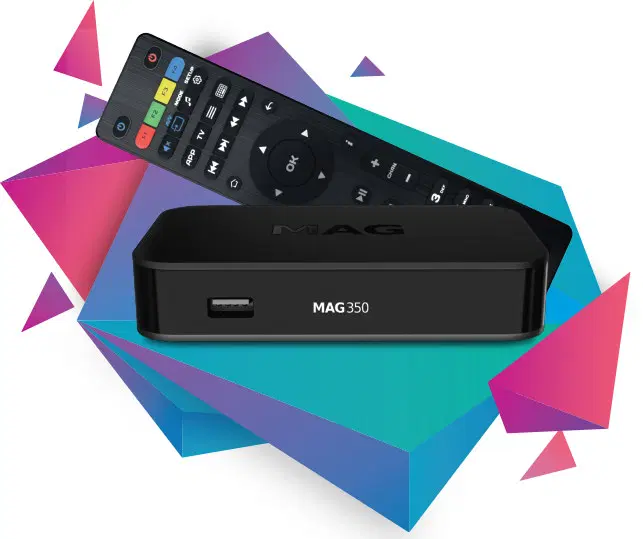
STB Emulator allows you to simulate a MAG set-top box (like MAG 254) directly on your Android device. It is one of the best solutions for streaming IPTV without buying expensive hardware.

With this app, you can:


⚠️ Important Note

Configuring the STB Emulator requires basic technical knowledge. A small mistake can cause the app to stop working properly. Follow this guide carefully for smooth setup.


πŸ“± Requirements


πŸ› οΈ How to Setup STB Emulator on Android (Step-by-Step)

πŸ”Ή Step 1: Install the App

Download and install the STB Emulator APK from the link above or via Play Store.


πŸ”Ή Step 2: Open Settings

Launch the app and click on the Settings (top right corner).


πŸ”Ή Step 3: Create Profile


πŸ”Ή Step 4: STB Configuration

Select STB Configuration from the profile settings.


πŸ”Ή Step 5: Get MAC Address

πŸ‘‰ Note down the last 6 digits (e.g., 03:E7:36)


πŸ”Ή Step 6: Activate MAC Address

00:1A:79:03:E7:36

πŸ”Ή Step 7: Add Portal URL


πŸ”Ή Step 8: Save Settings


πŸ”Ή Step 9: Restart App

Restart the app or your device. The IPTV portal will start loading automatically.


πŸŽ‰ Enjoy IPTV on Your Android Device!

You have successfully configured your STB Emulator IPTV setup. Now you can enjoy:


πŸ”§ Troubleshooting Tips

If the app doesn’t work:


πŸ“ž Need Help?

If you face any issues, contact our support team via:

We’re here to help you anytime!